Join the beta
Glancozy is not in the App Store yet. Until then you can try it for free with TestFlight, Apple's app for beta versions, on iPhone, iPad and Mac. I'm a solo developer and would love to hear where you get stuck.
Open the TestFlight invitation
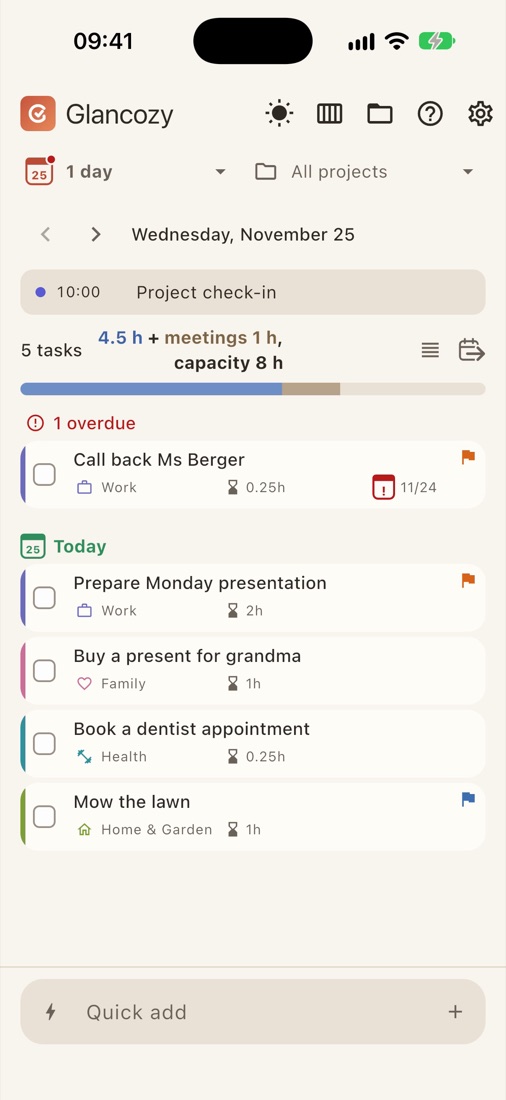
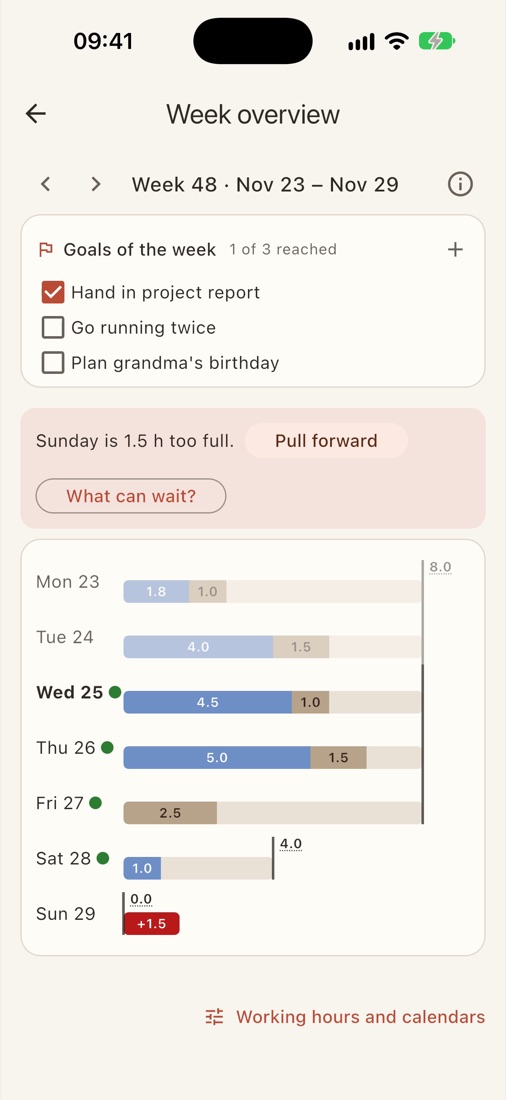
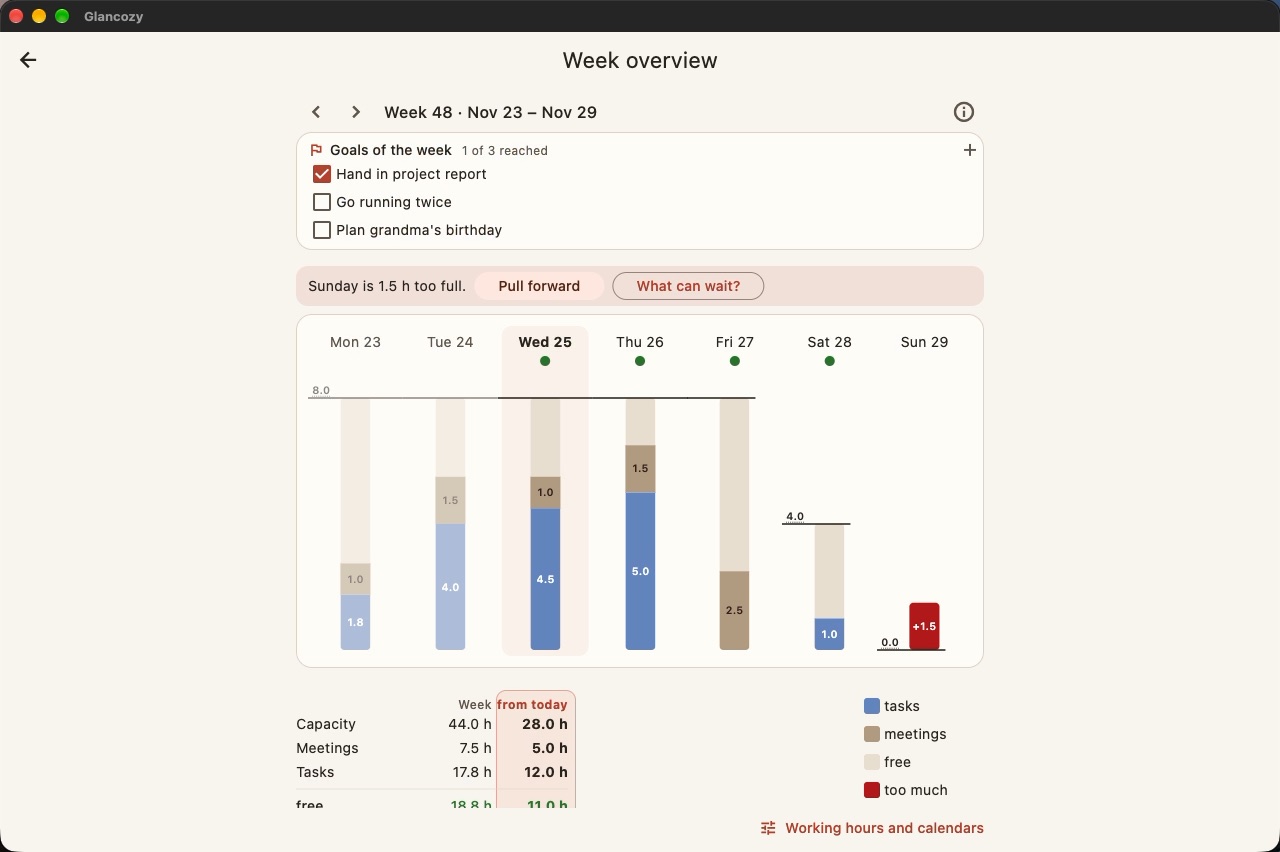
How to join
- Install TestFlight from the App Store.
- Open the invitation link on your iPhone, iPad or Mac.
- Tap “Install” in TestFlight. That's it.
What helps me most
What I'd like to learn is how you find your way around as a new user. In the first days, please try:
- Go through the introduction and start with the example tasks.
- Add a task of your own in one sentence, e.g. “Call the bank tomorrow”.
- Tick a task off, open one and change its date.
- Create a project of your own and put a task into it.
- Move a task to another day and delete one.
- Then use the app for a week or two in your everyday life.
If something puzzles you, take a screenshot: TestFlight then offers to send it to me with a comment.
Thank you: the full version for free
At the end, please take five minutes for the short anonymous questionnaire. Then send a short email to service@glancozy.com, and you get the full version for free when Glancozy launches in the App Store.
Good to know
- During the beta all features are free.
- Planning with the day and week overview is switched on in Settings under “Day & week”.
- Questions or problems: service@glancozy.com.